Bottleneck Calculator PC 2026
Check CPU GPU Compatibility
Select your CPU and GPU to calculate potential bottlenecks in your system
0-10%: Excellent balance, optimal performance
10-20%: Good balance, minor bottleneck
20-30%: Noticeable bottleneck, upgrade recommended
30%+: Significant bottleneck, upgrade needed
Press Ctrl + Shift + Esc to open Task Manager, then go to the Performance tab. There you'll find your CPU, RAM, and GPU details.
To check screen resolution: Right-click desktop → Display settings .
Striving for an online tool to assess the potential performance error in your PC? If yes, then we have got you covered. We have come up with our technically advanced Bottleneck calculator that is good to go to optimize the performance of your PC by analyzing CPU and GPU, providing you with the recommended upgrades and suggestions.
It is a game-changer for all the gaming enthusiasts that lets them monitor their PC’s performance by highlighting all the errors and imbalances so that they can fix them and boost component synergy.
There is a smooth method involved to identify the limiting domain in your PC’s components and get all the mismatched slots fixed. Its built-in analyzer successfully predicts all the performance metrics from processing power to the other cores and recommends the must-know paths to get it all done. Likewise, its advanced algorithm strategizes your ways to endless fun, making it a top-notch pick to compare and optimize your CPU and GPU capabilities. Moreover, all you need to know about it, from its working to other essential cores, is covered in this guide. So, bear with us and get it all done.
Bottleneck Calculator Key Highlights
Advanced algorithm
Detailed RAM analysis
Productivity booster
Performance boosting synergies
Component analysis
FPS potential prediction
Optimized gaming experience
User-friendly interface
Cost-effective build-ups
Imbalanced cores detection
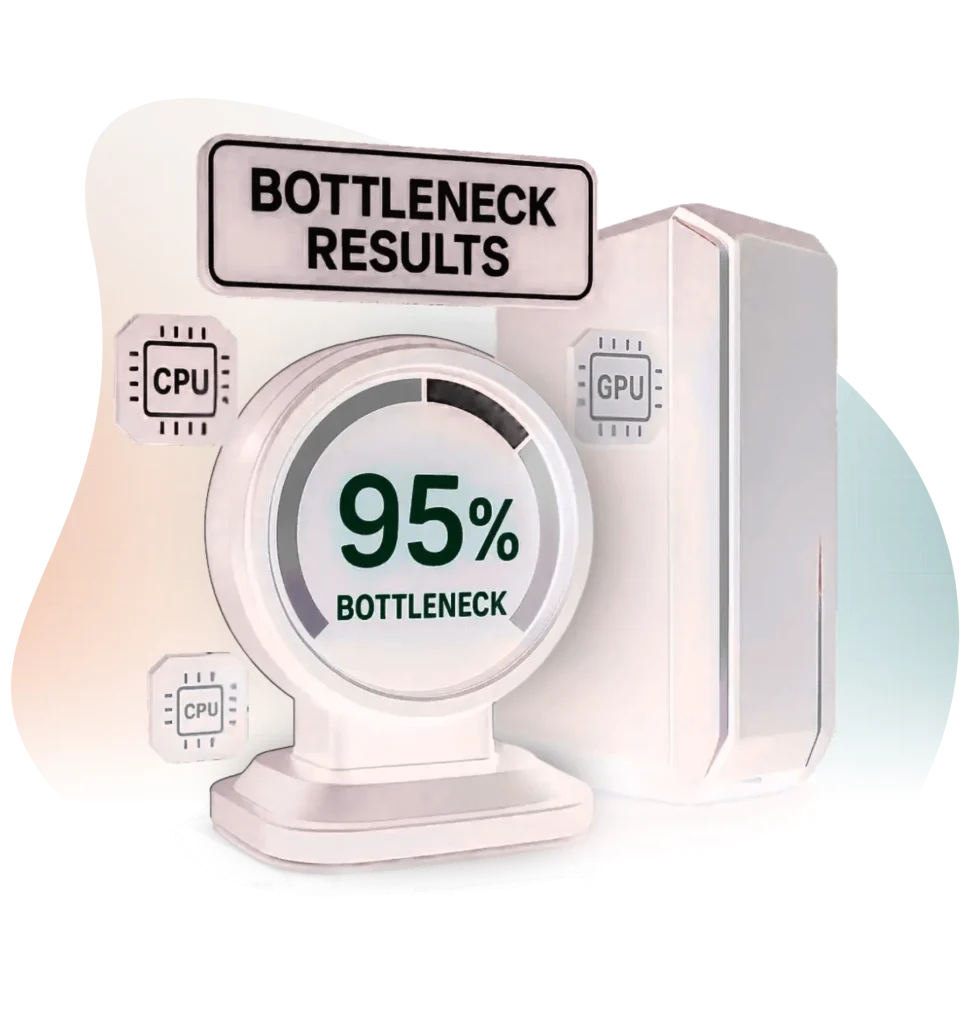
PC Bottleneck Calculator Overview
A Bottleneck Calculator is the most in-demand online tool that has created a massive hype among gamers and builders with its advanced algorithm that lets them analyze their PC’s components and optimize its performance. It is the performance predictor tool with a built-in analyzer that successfully analyzes all the mismatched slots and highlights them with the best possible solution, so that you can opt for the recommended and the most suitable paths
It helps you to identify all those slots that are limiting your system’s performance, and then, with recommended boosters, it enables you to set your PC on an elevated edge in terms of performance. Its friendly interface makes it a user-friendly option where they just have to input the required hardware specs and get the optimized outputs without the need of first acquiring technical expertise to operate it. Also, the smooth controls and speedy performance insights are contributing to it.
Along with this, targeting the right upgrades without any cost makes it a worthwhile option, and the productivity boost further marks its excellence. Furthermore, the weak processor detecting database provides a balanced working domain by enabling users to opt for the most desirable slot at the moment. Overall, PC Bottleneck Calculator stands out as a must-have option in CPU and GPU utilization scenarios, providing you with an estimated percentage of system metrics and ways to optimize your hardware. So, what are you waiting for? Try it and boost your PC’s performance.
What is a Bottleneck?
A bottleneck in a computer is a system-restrictive slot where a part of your computer’s hardware limits the other, resulting in slowing down everything else. It actually refers to the mismatched component domain where a strong component is set at a slower pace than the weaker one and affects the overall performance of your PC. No matter how expensive the parts you are using or how much you are spending on your PC optimization, you can still face low FPS, loading, or lagging errors if the mismatched domain is recurring in the form of a bottleneck that could be of the following types.
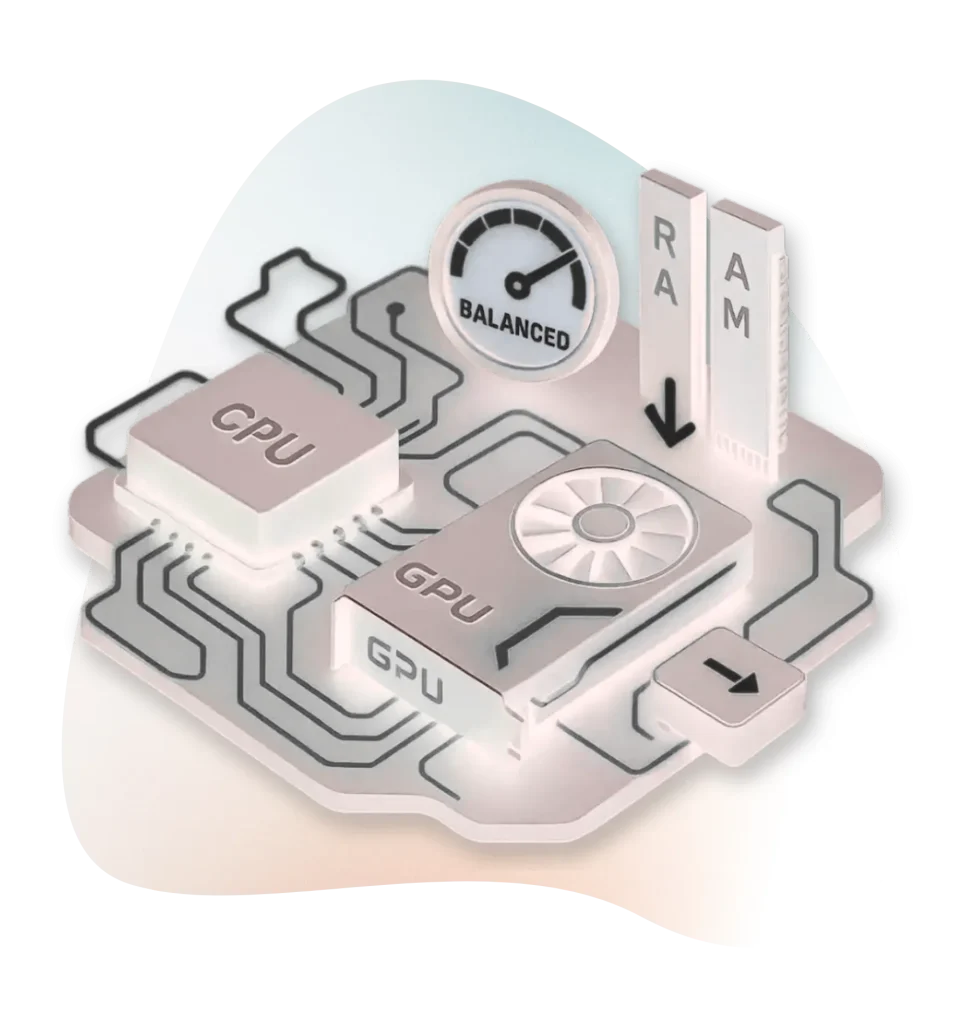
Types of Bottleneck
There are various types of bottlenecks that you may encounter while using your PC, and some of the most common types are as follows:
RAM Bottleneck
If your device’s memory is incompatible with the working system, then this mismatch can result in a Bottleneck error that causes long loading intervals and performance limitations.
GPU Bottleneck
It is one of the common Bottleneck errors that mainly appear due to the mismatch of the graphics cards with the GPU, and as a result, laggy visuals with low frame rates appear.
CPU Bottleneck
Slow data feeding from GPU to CPU causes this Bottleneck error that results in frame rendering and lower FPS domain.
Thermal Bottleneck
Thermal Bottleneck is also the most common Bottleneck error that appears due to the slow cool-down system and fast heat-up, resulting in slow-paced working and throttling.
Display and Storage Bottleneck
Last but not least, we have the display and storage Bottleneck errors that also result in software loading and waste of the high-frame rates.
Why Choose a Bottleneck Calculator?
Want to upgrade your PC’s productivity with some cost-effective upgrades? If yes, then our GPU and CPU Bottleneck Calculator will be a go-to option for you. It is a worthwhile option to estimate your PC’s components which slots are limiting its performance. Also, it brings you the soft solution to each and every mismatched slot, allowing you just upgrade the malware instead of spending money on unnecessary parts. There are also lots of additional benefits of using this Bottleneck Calc, and some of the most in-demand slots are mentioned below. Let’s explore them and get it all done.
Productivity Boost
When it comes to getting an instant productivity boost-up at superlative perfection without any technical efforts and struggling, the Bottleneck Check stands out as a must-have option that keeps on the leading notch with its well-matched upgrade recommendations.
Cost-Effective
One of the most attractive facets of this Bottleneck tester is its cost-effective working domain that allows users to get their PC’s component-related issues very well-sorted without the need of spending money on unnecessary parts.
Friendly Interface
No matter if you are a gamer or a builder seeking to optimize your PC’s components, our GPU Bottleneck checker will be your ultimate companion in getting it all done with ease. Its friendly interface with smart controls is ready to bring that demanded light with zero technical expertise.
Elevate Gaming Experience
The tool is also known for allocating a boosted and elevated gaming experience. It stimulates a smooth and fun-paced gameplay by allocating a well-matched functional slot for your PC by targeting the right components and mismatched slots for you.
Upgrade Recommendations
Another super-cool feature of this tool that adds worth to it is its technical, strategized upgrade recommendation slot. It highlights the most desirable components for CPU and GPU that not only highlight the limiting slots but also bring you the upgrade recommendations to facilitate system balance.
Bottleneck Calculator Key Factor
Bottleneck Calculator is the leading tool that successfully estimates the performance-rendering attributes in your PC by comparing all its components that are taking part in limiting its performance. There are various components that partake in this Bottleneck error, and to help you learn all about them we have covered them below. So, let’s explore these bottleneck-causing components and master all the correlated slots.
RAM
One of the core factors in your PC upon which the task-efficiency rely is RAM. It plays a key role in storing and utilizing the required data that is needed to perform a task. It also covers the overall performance of your PC, improving the delayed responses that are initiated due to the DDR3 and DDR4.
CPU
CPU, or the central processing unit, is another key factor of the PC that is also known as the brain of your computer, upon which the data flow is executed. It is the main operator that performs all the arithmetic tasks by enticing, decoding, and performing multiple tasks.
GPU
Next, we have the GPU, the Graphic Processing Unit, which is also a potent component of the PC. It is the main circuit that is known for processing complex data from images to videos, and is well known for the parallel processing domain. It is also the main hub for scientific computing with a silicon chip that works great in relation with CPU.
Screen Resolution
Your screen resolution also remains a core factor in Bottleneck error, as high-resolution power slots demand a powerful GPU, which means a heavy load on the computing system, which is then signified with errors like lagging and loading. So, resolution power like 4k is struggling as compared to 1080p.
SSD/HDD Storage
One of the most common Bottleneck slots is storage, and most commonly, the HDD storage. The solid-state drive is lighter than the HDD, referring to a smooth performance of the PC while the other one remains heavy and causes lags and longer loading intervals.
Cooling System
The performance of your PC is also heavily dependent on the cooling system, which is meant to cool down all the built-in components in your PC to maintain a smooth and fun-paced working environment. If the cooling system is not working properly, the components get heat-up causing an instant crashing and lagging error.
Power Unit
Another major cause of the Bottleneck error is the weak power supply unit, which often results in system crashes and long-run loading errors. It is the main domain upon which the major tasks like energy supply rely, and that is only possible if you are using a highly powerful power supply unit.
Key Features of the Bottleneck Calculator
Do you know what helps the CPU GPU Bottleneck Calculator stand higher in PC’s performance boosting domain? Well, it is the technically pacified features that are adding worth to this tool. There are unlimited fun-fetching features that contribute to it, and to help you know all about them, we have covered them in the section below. So, let’s explore them and learn all about this tool. And, here we go!
Easy-to-Use Interface
Advanced Algorithm
Smart Control System
Component Database
Resolution-Based Analysis
Easy-to-Use Interface
There is a friendly interface with interactive UI that effortlessly analyzes all your PC components from CPU and GPU to RAM and all the other operating mechanics, making it an easy-to-use tool to get your PC’s performance optimized.
Advanced Algorithm
To help you estimate the performance of your PC, there remains a smartly-paced algorithm in this tool, along with all its advanced analyzing and prediction slots that really help you in showing the mismatched components and suggesting the required upgrades.
Smart Control System
A smart and friendly control system is also allocated to this tool to stimulate a fun-paced calculative domain for you, allowing you to estimate the performance Bottleneck at clicks.
Component Database
One of the most advanced features of the tool is its smart domain for component database that enables a quick and fast comparison between distinctive hardware components and allows you to identify and resolve the mismatched slots.
Resolution-Based Analysis
Along with the component database, a resolution-based analysis is strategized in this tool to bring you the fun of getting it all done at your clicks without the need to purchase high-cost parts, which is also a worthwhile feature.
CPU Bottleneck Calculator Pros and Cons
There are always some pros and cons related to a tool, and so is the case with the Bottleneck calculator. It is one of the most advanced performance boosters for PC that helps users to understand the component performance, allowing them to glorify the range of fun for the users. And, to help you get fully-familiarized with this tool, we have covered all the correlated pros and cons of the tool in the section. So, let’s explore them and get it all done.
Pros
-
Interactive UI
-
Seamless integration
-
Advanced algorithm
-
Fast-paced working
-
Performance booster
-
Recommended upgrade
Cons
-
The percentage is not 100% accurate
Understanding Bottleneck Scenarios with Regard to CPU and GPU
To perfectly interpret the Bottleneck working performance, you need to first understand it with respect to the GPU and CPU scenarios where distinctive utilization patterns are involved. And, to help you understand these patterns and estimate your PC performance to the level of perfection, we have mentioned all the possible scenarios with the estimated stats. So, let’s explore them and get it all done.
Low CPU and GPU Scenario
If you see that both CPU and GPU are at the lower working slots, it means your PC is on the risky edge where no task is actually demanding. It signals for the low graphical setting and minimal gaming slots, which means that a smoothly-paced gameplay is good to go on this stage and refers to the following.
-
There is no heavy load on the system
-
The system has lots of unused resources
-
Good to go for normal tasks
Low CPU and High GPU
The scenario with low CPU and Maximized GPU refers to the GPU bottleneck with a major shift in the graphical and visual domain, indicating that the graphics are limiting the performance of your PC. In this case, you need to follow a few worthwhile slots, which are as follows:
-
Upgrade GPU
-
Improve FPS
-
Minimize your graphical settings
Maximum CPU and Low GPU
One of the common scenarios that you may encounter is the lower usage of the GPU while the maximum of the CPU, which indicates the CPU Bottleneck referring to some heavy-duty tasks in the CPU. You can sort this error by upgrading your CPU. Also, the following tips can help you out.
-
Avoid strategy games
-
Dodge background processing
-
Restrict simulations
Maximum CPU and Maximum GPU
If both components, CPU and GPU, are at the high-stake usage, then it indicates the optimized performance of your PC. The scenario indicates that a heavy workload is applied to your system and that both of the components are performing at their maximum, with the following indications.
-
The system is good to go to render the workload
-
An active cooling system is required to relieve the heating
-
Both components are fully utilized
How to Use our Bottleneck Calculator
There is no doubt that our Bottleneck calc is the most advanced and helpful tool that can effortlessly optimize your PC performance with its advanced algorithm. The tool doesn’t require any technical expertise to get it all done, by following a few simple steps, you can successfully master its usage. And, here we go!
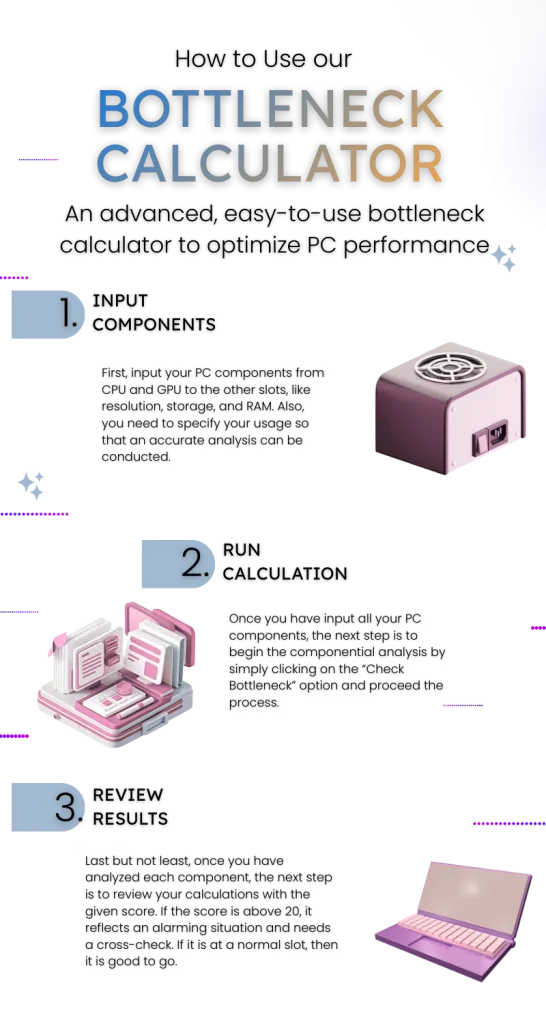
1. Input Components
First, input your PC components from CPU and GPU to the other slots, like resolution, storage, and RAM. Also, you need to specify your usage so that an accurate analysis can be conducted.
2. Run Calculation
Once you have input all your PC components, the next step is to begin the componential analysis by simply clicking on the “Check Bottleneck” option and proceed the process.
3. Review Results
Last but not least, once you have analyzed each component, the next step is to review your calculations with the given score. If the score is above 20, it reflects an alarming situation and needs a cross-check. If it is at a normal slot, then it is good to go.
It is very simple and easy to use our Bottleneck Calculator by following the above mentioned steps, but what you have to be keen about is interpreting the results. In this, the provided CPU, GPU, and RAM percentages remain crucial to interpret the harm.
How Does A Bottleneck Calculator Work?
A Bottleneck checker is the most powerful tool for the Bottleneck tester, which is known for its easy-to-use working domain and fun-paced performance. The tool provides you with a detailed analysis of how your PC components work together and brings you the most desirable result ever. It is a technically strategized tool that works amazingly in Bottleneck identification, and the following slot will help you understand how it works.

Component Placement
In the first step, you have to enter your PC components like GPU, CPU, power unit, RAM, Storage, and Resolution so that the tool can analyze them and identify the mismatched slot in them.

Componential Analysis
When you input your components, the tool begins its componential analysis. In this, you just need to initiate the analysis and let the advanced algorithm estimate all the limiting slots.

Bottleneck Calculations
Once you have initiated the componential analysis, in the next step, the tool brings you the estimated Bottleneck calculations with scores in percentage.

Review Results
In the next step, you begin to review your results with the given percentage. If the percentage is below 10% to 15%, then the system is in optimal condition, while a percentage above 25% to 35% means some actions are required.

Evaluate Components and Plan for Future
Once you have interpreted the results, the next step is to evaluate the given percentage and conduct an action if it is required. If your system has an imbalance, then go and check it; in case of a balanced system, keep doing your work.
Advanced Tips and Tricks to Prevent Bottlenecks
To help you stand on the leading edge of perfection in terms of enjoying a boosted PC performance, we have come up with some expert tips and tricks that will not only help you avoid the bottleneck issues but also enhance your experience. Here are some effective tips that can boost your gaming experience.
01 Upgrade Limiting Units
Always look for the limiting units in your PC so that any recurring errors can be successfully sorted out on time.
02 Utilize the Cooling System
To keep your PC system in optimal condition, you need to utilize the cooling system so that your PC does not get overheated.
03 Exploit Compatibility Check
One of the best tips to prevent Bottlenecks in your PC is exploiting the compatibility check using a smart tool like our Bottlenecks calculator.
04 Strategize CPU and GPU
Another worthwhile tip to stay on a benefitted edge is strategizing your CPU and GPU on a balanced notch that also brings you endless fun and perfection.
05 Regular Testing
Last but not least, always remain keen about regular testing in the domain and keep on checking for limits and upgrades.
Frequently Asked Questions – FAQs
Bottom Line
Summing up, when it comes to boosting your computer’s performance by hindering all the limiting components, a Bottleneck calculator remains a top-notch pick. It is a technically advanced tool that analyzes and predicts all the components that are causing lagging and hindrances in your computer and provides you with the best possible solution to optimize your PC’s performance. There remains an advanced algorithm along with a built-in analyzer to help you identify errors. Also, the upgrades are recommended to maximize its performance.
No matter if you are a gamer looking to amplify your gaming experience, a builder in search of strategic moves, or an editor pacifying ways for perfection-allocating edits, a superlative fun slot awaits you in this tool to get it all done. It can enhance your overall experience by optimizing the system upto the level of excellence so that you can sort out the system Bottleneck issues without spending extra money on purchasing extra slots. Overall, the Bottleneck calculator is the most useful and effective tool to get the Bottleneck issues resolved in your PC, which is good to go on clicks. So, try it out and optimize your PC’s functionality.
